
Members directory
Search, filter, and open every person in your unit. Toggle between table and card views. See Managing Members.
Welcome to the Unit Leaders section. Whether you lead a troop, crew, pack, or post, these guides walk you through the day-to-day work of running your unit in MySummitKeep — starting with your roster and the people in it.
The hub of all of this is the Members page. From there you can search and filter your whole roster, switch between a table and a card view, invite new people, and jump into bulk tools.
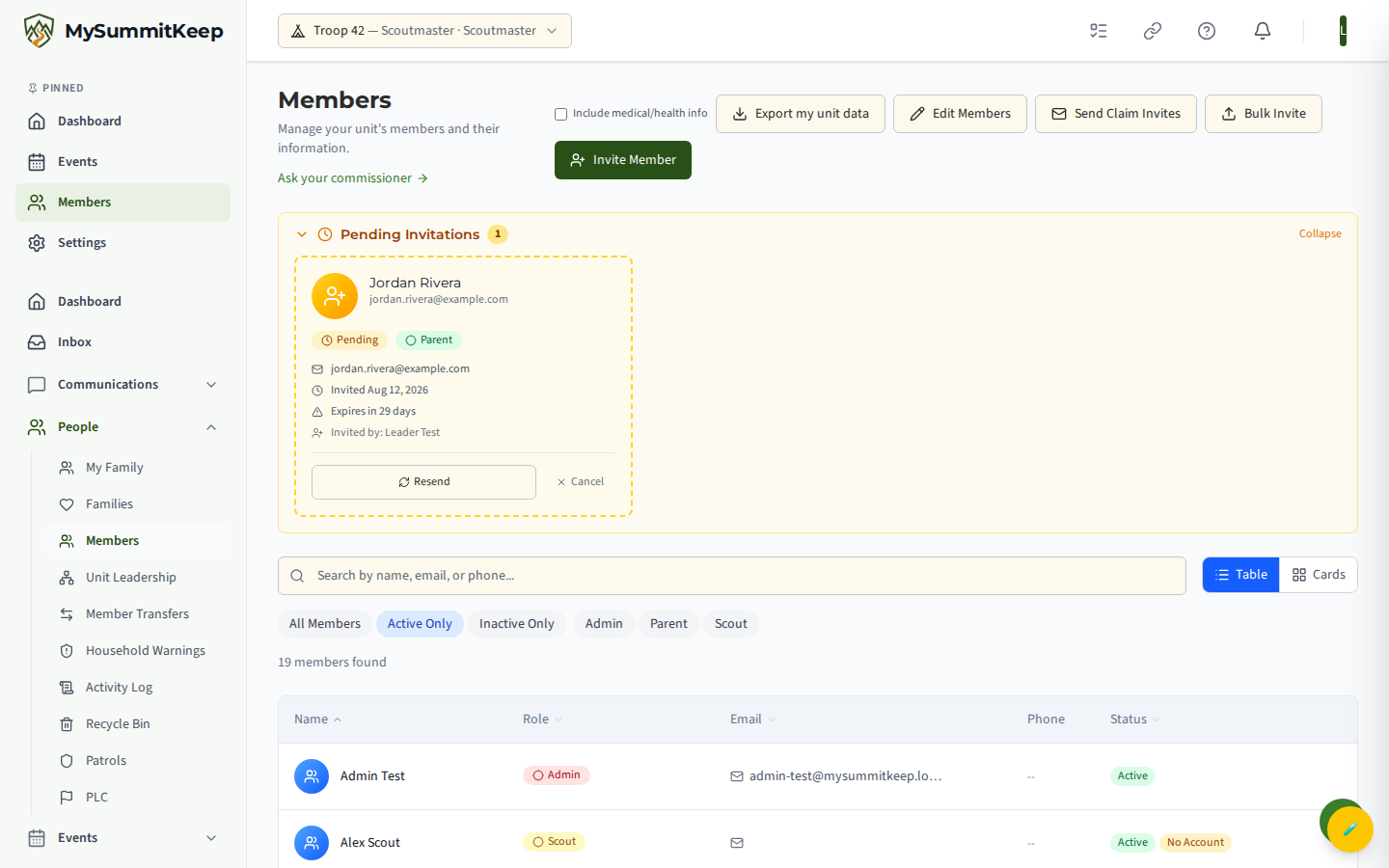
Members directory
Search, filter, and open every person in your unit. Toggle between table and card views. See Managing Members.
Invitations
Send single invites, bulk-invite from a list, and track who hasn’t accepted yet. See Bulk Invite.
Patrols, dens & divisions
Organize Scouts into the right sub-groups for your program. See Patrols, Dens & Divisions.
Households
Group parents and Scouts into families for shared contact info and billing. See Households.
Attendance
Take attendance at meetings and outings and track participation over time. See Attendance.
Import & export
Bring your roster in from ScoutBook or a council CSV, and export it back out. See Member Import.
The Members page (People → Members in the left menu) is where you’ll spend most of your roster time. A few things to know:
Detailed walkthroughs live in these guides:
Once your people are in the system, group them the way your program runs:
These areas have their own dedicated guides:
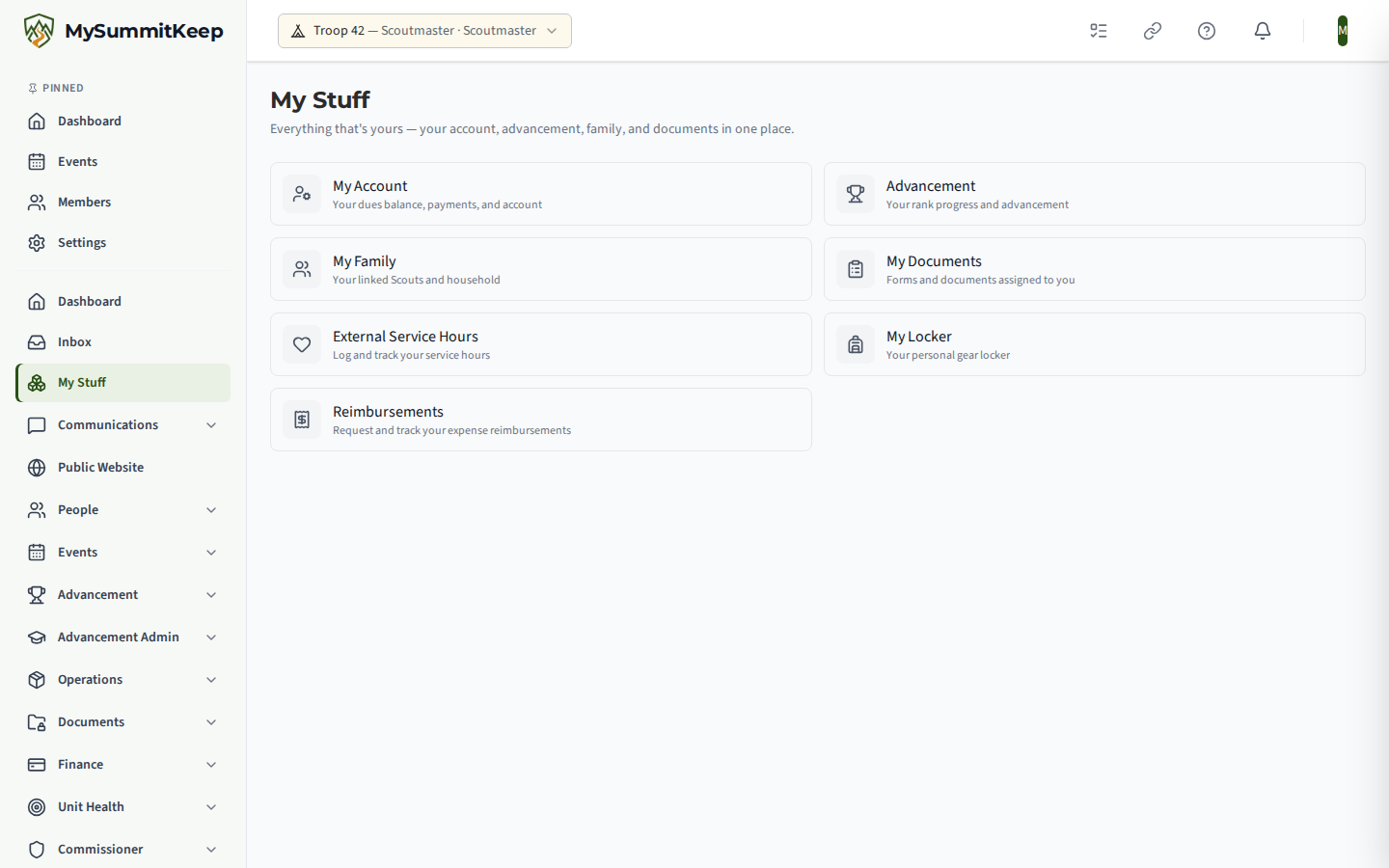
My Stuff (/my-stuff) is the personal counterpart to the unit dashboard: the events you have
RSVP’d to, documents assigned to you, and your own advancement — scoped to you rather than the unit.
Leaders who are also parents tend to live here.
If you’re just getting set up, start with the Leader Getting Started guide, then come back here to dig into the workflows above.
MySummitKeep is an independent product and is not affiliated with, endorsed by, or sponsored by Scouting America (formerly the Boy Scouts of America). Scouting America, Scouts BSA, Cub Scouts, Venturing, Sea Scouts, and the Order of the Arrow are trademarks of Scouting America. Official program content shown in screenshots and examples is © Scouting America; always confirm current requirements atscouting.org. SeeTerms § 7.3.