
Trek Registration (Philmont Details)
When your Scout’s crew is going to Philmont, the ranch asks for a few details about every participant: height, weight, religious preference, allergies and food restrictions, an emergency contact who is not going on the trek, and CPR and Wilderness First Aid status. Instead of chasing you by email, your unit’s leaders open Trek Registration and you fill it in once, in the app.
Who fills it in
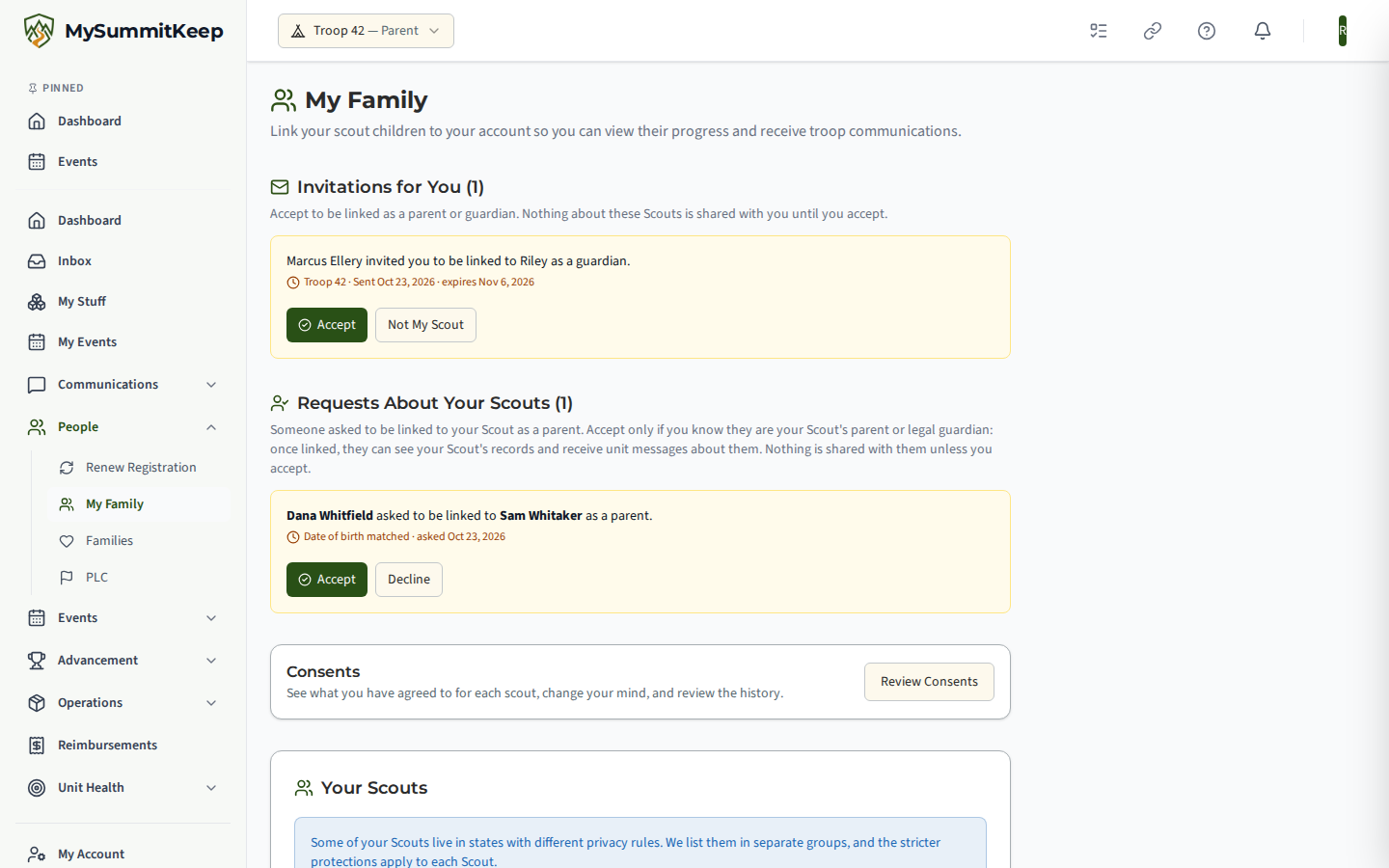
Section titled “Who fills it in”- A parent or guardian fills it in for a Scout. Open My Family, find Trek Registration, and choose Fill In next to your Scout.
- An adult going on the trek fills in their own. You see your own row on the same card.
- A Scout cannot fill it in for themselves. The details are health and religious information, so a parent enters and corrects them.
Read the disclosure first
Section titled “Read the disclosure first”The first time, you see a short explanation of what is collected, why, who can see it and when it is deleted. Choose I Have Read This to continue. We record that you read it, which version you read, and when. You cannot save anything until you do.
What you enter
Section titled “What you enter”- Body measurements: height in feet and inches, and weight in pounds.
- Religion and diet: Philmont’s list of religious preferences, and Philmont’s allergy and food checklist (Eggs, Milk/Dairy, Peanuts, Tree Nuts, Soy, Wheat, Shellfish, Fish, Sesame, Gluten, Halal, Kosher, Vegetarian). Choose None apply if there are none. Philmont’s trail meals cannot be changed for individual needs; if a substitute is needed, the family provides it. The note appears next to the checklist.
- Previous Philmont treks.
- An emergency contact who is not going on the trek: name, phone and relationship. We check the name and phone against the crew, and you will be asked to choose someone else if the person is on the crew.
- CPR and Wilderness First Aid: yes or no, and the expiration date if yes. If you answer yes, upload a copy of the certificate (a PDF, JPG or PNG, up to 10 MB). Your leaders see a flag if a certification is missing, has expired, or will have expired before the trek leaves, and the same flags appear on the unit’s training dashboard.
- For a Scout, which email Philmont should use. The default is a parent’s email. You can choose the Scout’s own email or a different address.
Things we already have, such as birthdate, home address, phone numbers and email, are shown on the form but come from the member profile. To change them, update the profile. A Scout needs one phone number typed Home, Cell or Work. An adult needs two different numbers, each typed Home, Cell or Work.
Details we keep for the next trek
Section titled “Details we keep for the next trek”Height, weight, religion, the allergy and food checklist, previous treks, the emergency contact and CPR and Wilderness First Aid answers do not change much from one trek to the next. When you save, we keep those answers for you so the next trek’s form can be filled in from them. On the next trek you see Use Saved Details: choose it, check each answer and save. Nothing is sent to your leaders until you save. The email Philmont should use, your acknowledgment of the disclosure and the certificate copies are specific to a trek and are never carried over, so you upload the copies again.
Only you can see the saved details; leaders cannot. Choose Forget Saved Details at any time to delete them. We also delete them if no one has confirmed them for 24 months, and when a member is deleted.
Correct or clear it
Section titled “Correct or clear it”Choose Save Details to save. You can come back and change anything until the answers are deleted. Clear Everything I Entered removes what you typed for this trek, including any certificate copy you uploaded. Remove Copy deletes one certificate copy.
Reminders from your leaders
Section titled “Reminders from your leaders”If the registration is not finished, a leader can send Remind Incomplete Families. For a Scout the email goes to the parents on file, never to the Scout. It names the person and the sections still open, such as Certifications, and nothing else, and it links to My Family. A family gets at most one reminder a day.
Who can see it
Section titled “Who can see it”The adult leaders of your unit who handle trek registration can see this trek’s details and open the certificate copies, and you can. Youth leaders cannot, and neither can a leader whose access in the unit is suspended. Every time the details are viewed or exported, or a certificate copy is opened, we log who did it.
When it is deleted
Section titled “When it is deleted”We keep this trek’s answers and certificate copies only until the crew is registered with Philmont. About a week after a leader marks the crew Submitted To Philmont, and no later than the trek’s departure date, we delete them, and the certificate files are removed from storage. Nothing from this form is added to the member profile. The saved details for your next trek are kept as described above.
MySummitKeep is an independent product and is not affiliated with, endorsed by, or sponsored by Scouting America (formerly the Boy Scouts of America). Scouting America, Scouts BSA, Cub Scouts, Venturing, Sea Scouts, and the Order of the Arrow are trademarks of Scouting America. Official program content shown in screenshots and examples is © Scouting America; always confirm current requirements atscouting.org. SeeTerms § 7.3.