
Verify a Signed Document
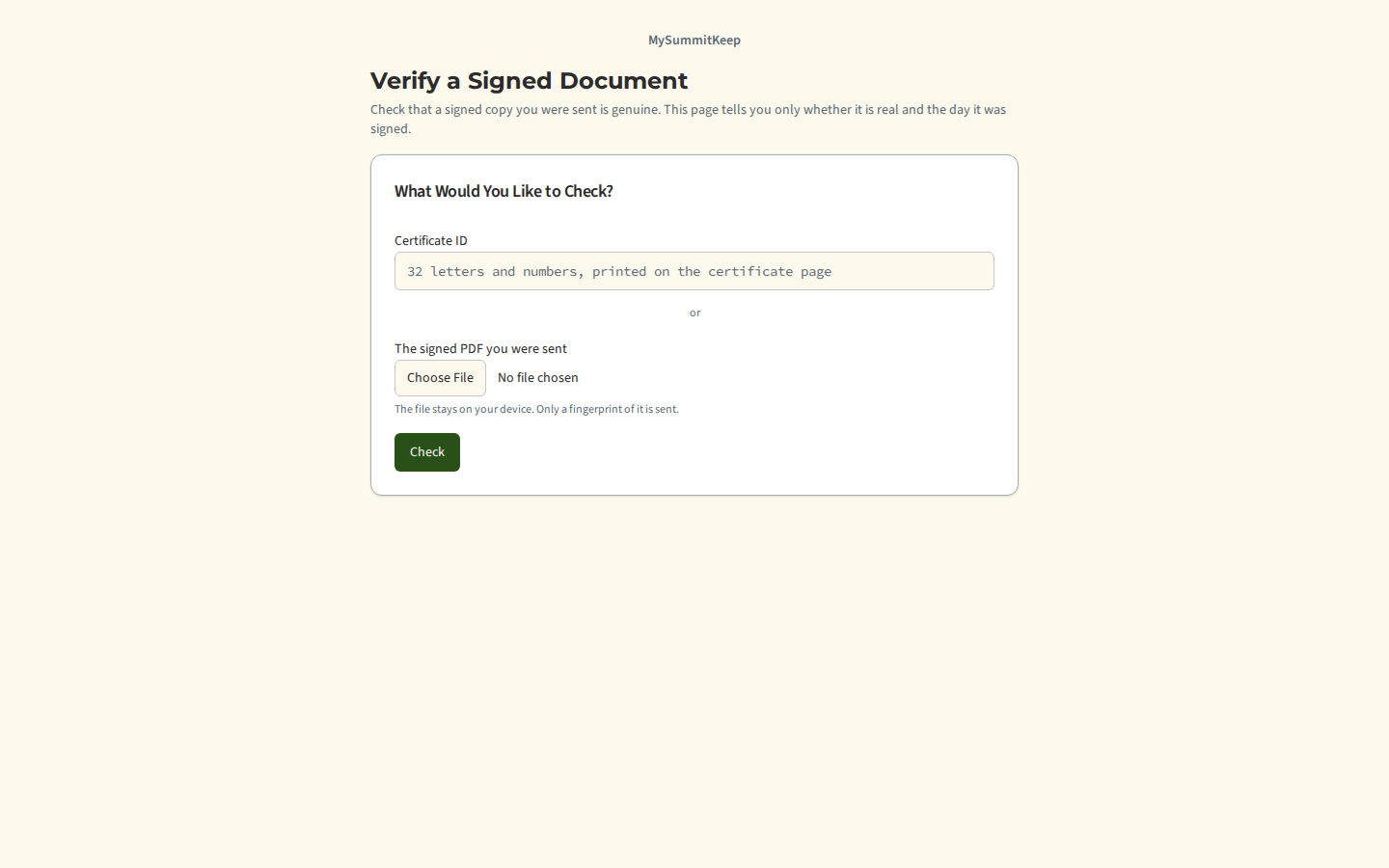
Every document signed on MySummitKeep comes with a Certificate of Completion page and a certificate ID of 32 letters and numbers. Anyone holding a copy, such as a council office, a camp or a venue, can check it at /verify without signing in.
How to check
Section titled “How to check”- Open the Verify a Signed Document page.
- Either type or paste the certificate ID exactly as printed, or choose the signed PDF file you were sent.
- Press Check.
If you choose a file, it is read on your own device. Only a fingerprint of it (a SHA-256 hash) is sent, never the file.
What you will see
Section titled “What you will see”- This is a genuine signed document, with the date it was signed.
- No match, when we have no signed document with that ID or that file.
That is all. The page never shows a name, a unit, or what the document was about, and a “no match” looks the same whatever the reason, so the page cannot be used to look people up. A PDF that was edited after it was signed will not match. The check is rate limited, so wait a minute if the page asks you to.
MySummitKeep is an independent product and is not affiliated with, endorsed by, or sponsored by Scouting America (formerly the Boy Scouts of America). Scouting America, Scouts BSA, Cub Scouts, Venturing, Sea Scouts, and the Order of the Arrow are trademarks of Scouting America. Official program content shown in screenshots and examples is © Scouting America; always confirm current requirements atscouting.org. SeeTerms § 7.3.