
Claim Your Account
Set up your MySummitKeep account from the invite your unit sent, then sign in for the first time. See Claiming your account.
Welcome to the Parents & Scouts section. This is your home base for everything family-facing in MySummitKeep — claiming your account, linking your scouts, keeping up with the troop, and paying what you owe. Each card below jumps to the guide for that task.
Claim Your Account
Set up your MySummitKeep account from the invite your unit sent, then sign in for the first time. See Claiming your account.
Link Your Family
If your unit’s roster lists you as your scout’s parent, you’re already linked. Otherwise a leader or your scout’s other parent invites you and you accept, or you find your scout on the My Family page and ask to be linked, and the Scout’s parent or a leader confirms. See Household linking.
Scout Progress
The Scout Profile viewer on My Family shows each linked scout’s rank, advancement, and details — all in one place. See Viewing scout progress.
RSVPs & Events
RSVP to campouts, meetings, and service events, and answer any RSVP questions your leaders ask. See RSVPing to events.
Payments
Pay dues and invoices, and track your balance and history. See Paying fees and dues.
Privacy Rights
Request a copy of your data or ask for it to be deleted from the Privacy Rights page in Settings. See the section below.
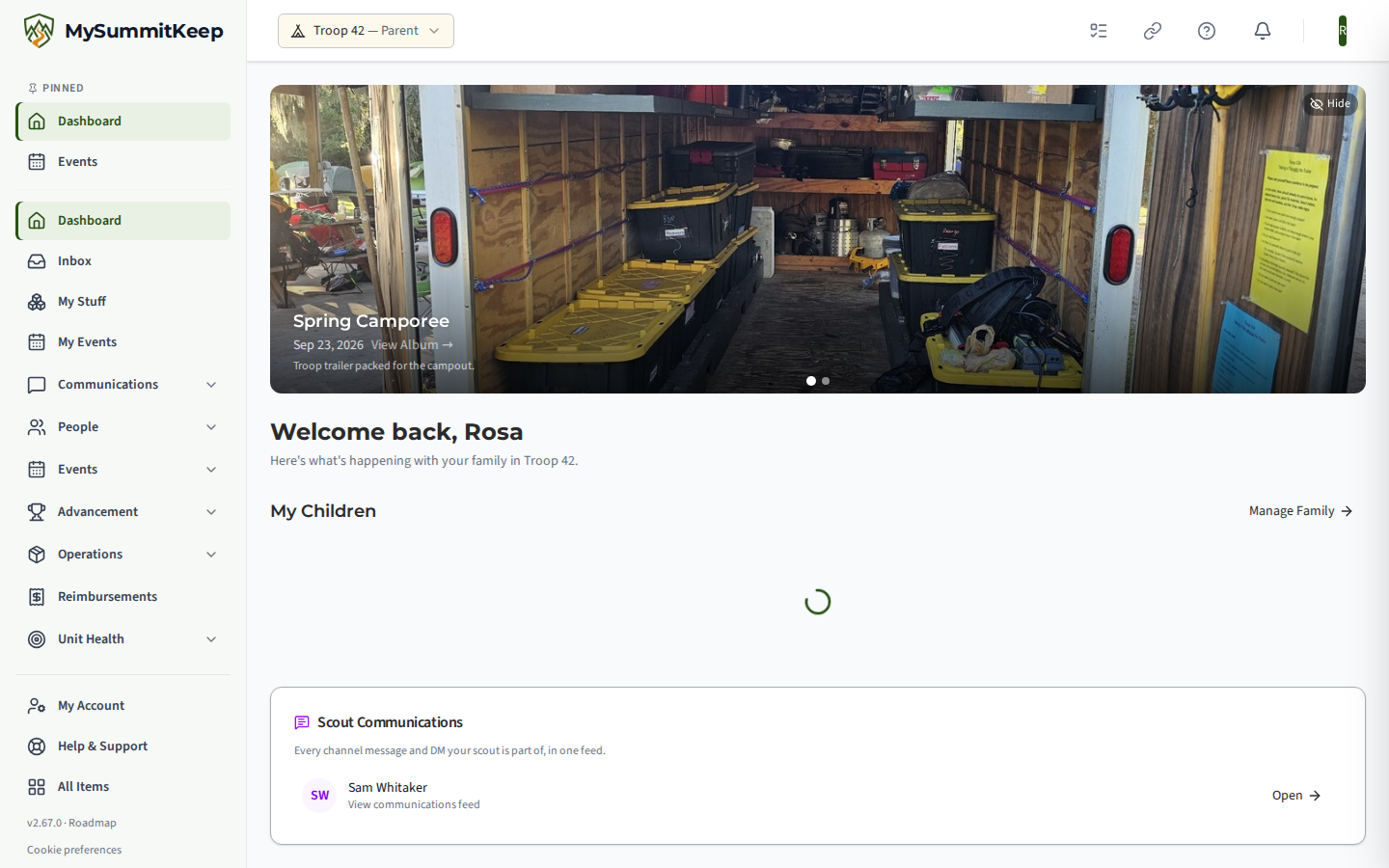
When you sign in, the dashboard greets you with “Welcome back” and a line about what is happening with your family in your unit. Below it are My Children, Quick Actions, Upcoming Events, a Financial Summary and Recent Activity, so the most common questions have an answer on the first screen.
Most parent tasks flow through the My Family page (the /family route in the app). It does three things, plus a card for any invitation or request waiting for you:
When you ask to be linked to a scout who is under 18, MySummitKeep shows a short parental-consent disclosure that you must acknowledge before the request is sent — this keeps the platform aligned with children’s-privacy rules. Adult-aged members skip that step. The same disclosure appears when you accept an invitation for a Scout under 18.
Payments live in two places. The Payments page is where you pay open invoices and dues, and My Account shows your statement, balance, and payment history. Step-by-step instructions — including how checkout works — are in Paying fees and dues.
There is no single “Account Settings” home for parents — the controls are split across separate Settings pages so each one stays focused:
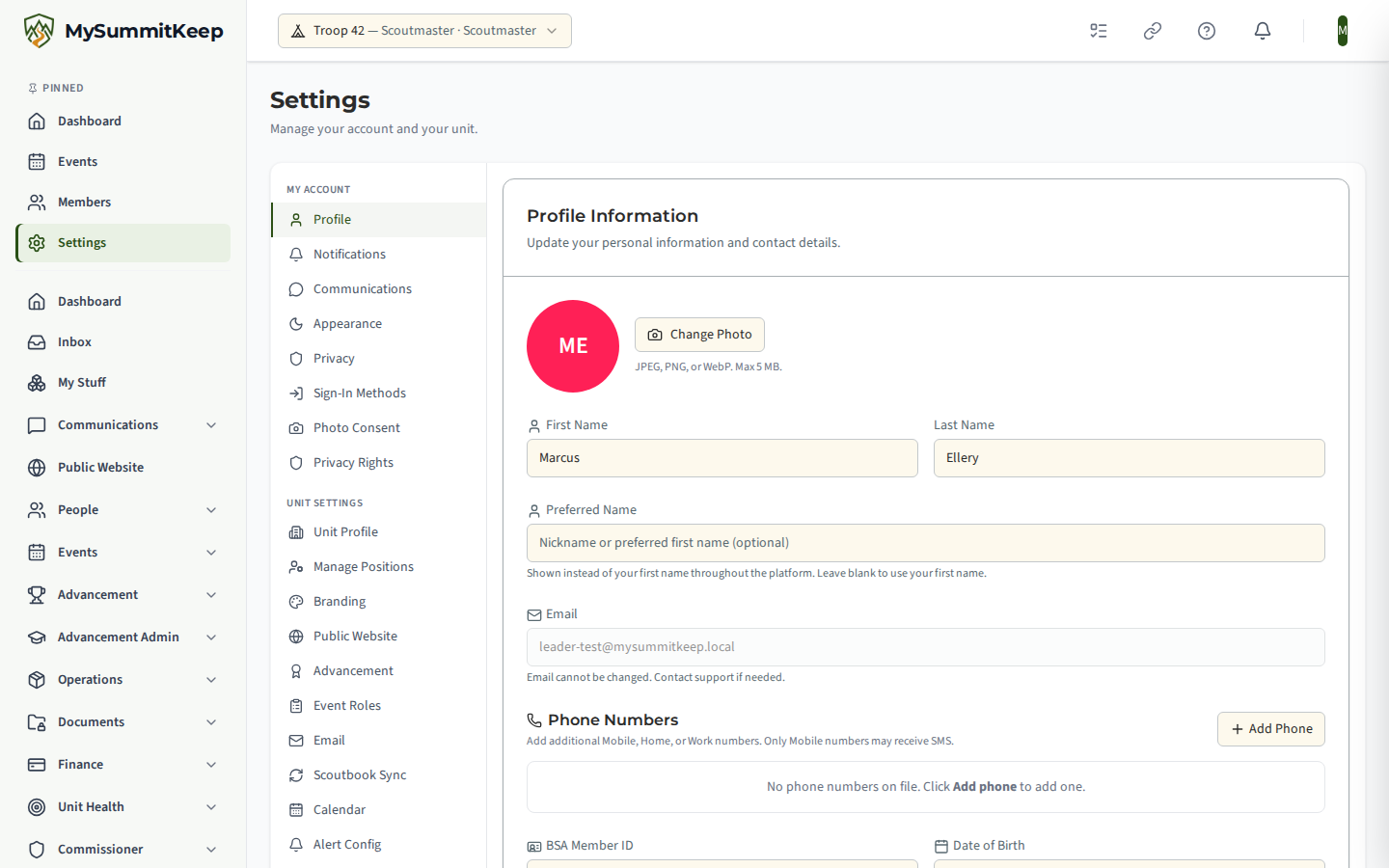
/settings/profile) — your name and contact details./settings/privacy) — your privacy and visibility choices./settings/communications) — which messages and channels you receive from leaders./settings/notifications) — how and when MySummitKeep notifies you./settings/privacy-rights) — request a copy of your data or ask for it to be deleted.The Profile page opens on Profile Information: first and last name, an optional nickname, email, an optional BSA Member ID and your address.
Need help with something not covered here? Reach out to your unit leader or contact support, and we’ll point you in the right direction.
MySummitKeep is an independent product and is not affiliated with, endorsed by, or sponsored by Scouting America (formerly the Boy Scouts of America). Scouting America, Scouts BSA, Cub Scouts, Venturing, Sea Scouts, and the Order of the Arrow are trademarks of Scouting America. Official program content shown in screenshots and examples is © Scouting America; always confirm current requirements atscouting.org. SeeTerms § 7.3.