
Sign-In Methods (Connect Google or Microsoft)
You can sign in to MySummitKeep with your email and password, or with a Google or personal Microsoft account. Settings, Sign-In Methods lets you connect Google or Microsoft to the account you already have, so you keep one account, one set of units, and one history, whichever way you sign in.
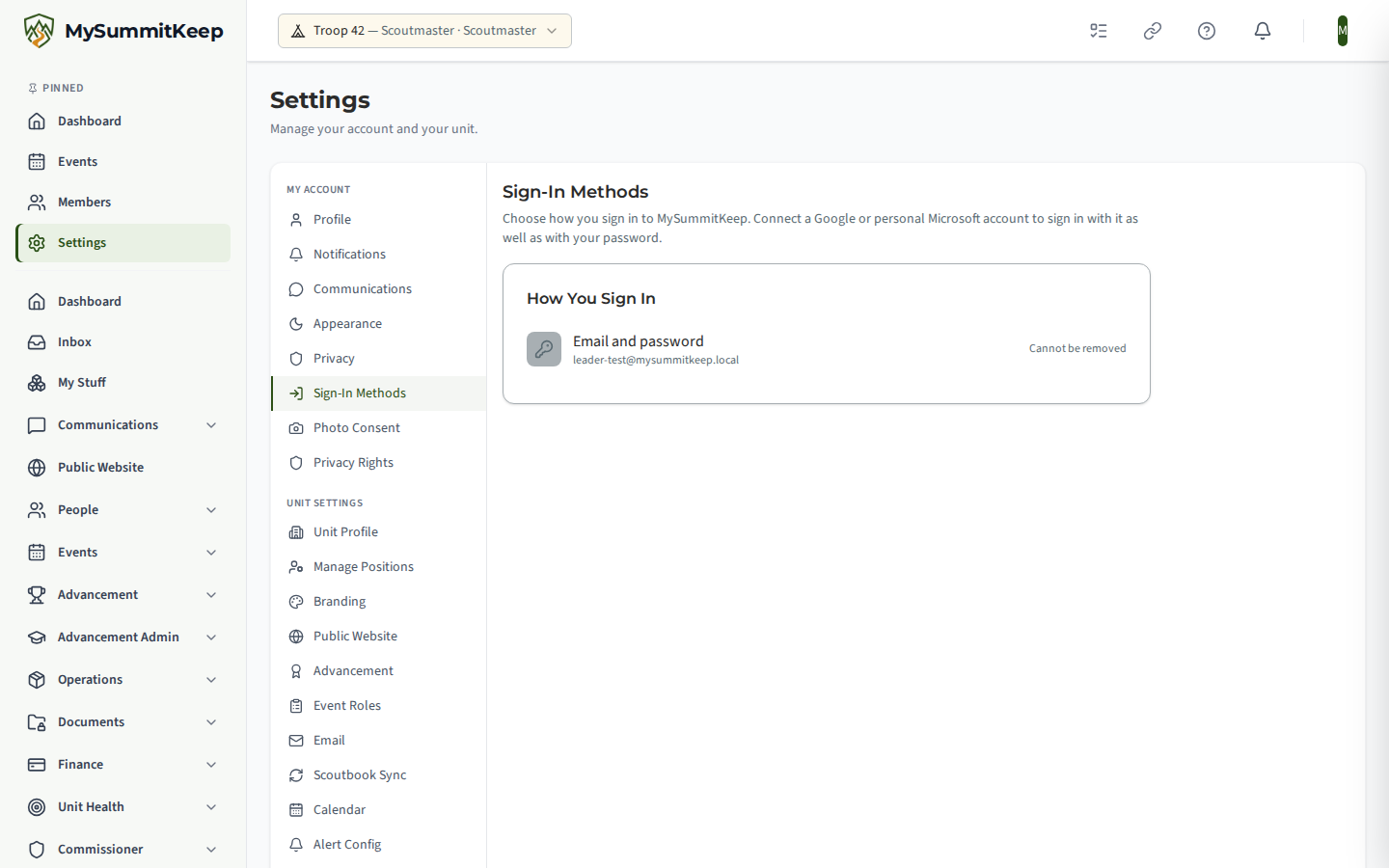
Connect Google or Microsoft
Section titled “Connect Google or Microsoft”- Open Settings, Sign-In Methods.
- Choose Connect next to Google or Microsoft.
- If you signed in a while ago, we email a 6-digit code first to make sure it is you. Enter it and carry on.
- Choose the account on the Google or Microsoft page.
- Back in MySummitKeep you see a question such as Connect Google account j…@gmail.com to your MySummitKeep account? Check it is the account you meant, then choose Connect Account. Nothing is connected until you do.
We email you a notice whenever a sign-in method is connected or removed. For a youth account, a parent or guardian gets the notice too. If it was not you, reset your password straight away and contact support.
Add a password to a Google-only account
Section titled “Add a password to a Google-only account”If you first signed up with Google, you can add an email and password from Settings, Sign-In Methods. We email you a code to confirm it is you, then you choose a password with at least 8 characters, an uppercase letter, a number and a special character.
Disconnect a sign-in
Section titled “Disconnect a sign-in”Choose Disconnect next to the method and confirm. Disconnecting signs you out on every device, so sign in again afterwards. You can connect it again whenever you like.
You cannot disconnect your last way to sign in, and your email and password cannot be removed. If a method is greyed out, it is your only way in. Add a password first.
“This account already has a MySummitKeep account”
Section titled ““This account already has a MySummitKeep account””If the Google or Microsoft account you chose already signs in to a different MySummitKeep account, we cannot connect it here. For your privacy and theirs, we do not say which account.
You have two ways forward:
- Sign in with that Google or Microsoft account, disconnect it there, then connect it here.
- Choose Contact Support on the message. Quote the reference shown, and we will help you merge the two accounts. There is no self-service merge.
If something goes wrong
Section titled “If something goes wrong”- The code did not arrive. Check spam, then choose Send A New Code. A code lasts 10 minutes, and after five wrong tries you need a new one.
- You cancelled on the Google or Microsoft page. Nothing was changed. Start again from Connect.
- “We could not connect that account.” The link may have expired (they last 10 minutes) or was opened twice. Start again from Settings, Sign-In Methods.
MySummitKeep is an independent product and is not affiliated with, endorsed by, or sponsored by Scouting America (formerly the Boy Scouts of America). Scouting America, Scouts BSA, Cub Scouts, Venturing, Sea Scouts, and the Order of the Arrow are trademarks of Scouting America. Official program content shown in screenshots and examples is © Scouting America; always confirm current requirements atscouting.org. SeeTerms § 7.3.