
Signing a Document Online
When your unit asks you to sign a document on screen, you prove it is really you with a 6-digit code, read the document exactly as it will be kept, and sign. It takes about two minutes. You can start from the Sign button in the app, or from the link in an email or text from your unit.
The five steps
Section titled “The five steps”- Choose. You see the email addresses and phone numbers we already have for you, with most of each hidden (for example
j***@example.com). Pick where the code should go. Text codes are available only where your unit’s plan includes texting; email always works. - Code. Type the 6-digit code. It works for 10 minutes. Five wrong tries lock the code, and too many codes in a short time pause signing for a while. Press Send a New Code if yours expired.
- Review. The document opens in the exact form you will sign. The first time you sign anything on screen you also see a short electronic records notice. Open the sample document it links to, tick the box to say you could open it, and press Accept and Continue. Health information, if there is any, is shown in its own box.
- Sign. Type your full legal name, tick the statement beside the Sign button, and press Sign. You can also draw your signature, which is optional.
- Done. You see a certificate ID. A signed copy is sent to you, and you can download it from the same screen.
Opening a link from an email or text
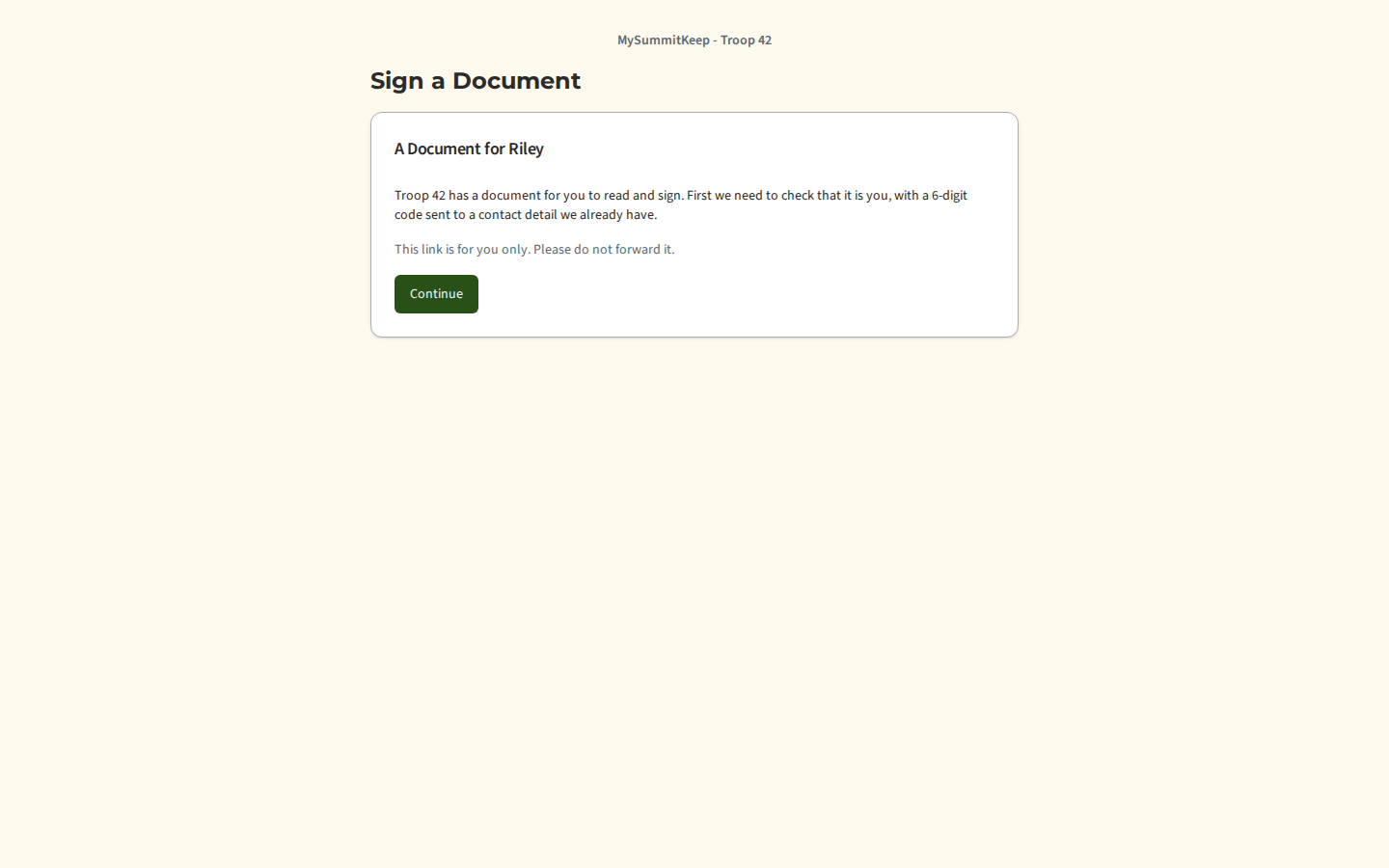
Section titled “Opening a link from an email or text”The link is for you only: please do not forward it. Opening it only shows the unit and your Scout’s first name; nothing is signed or used up until you press Continue. If you already have a MySummitKeep account, the page asks you to sign in first, so that your signature is tied to your own account.
If the page says This link is not available, it always says the same thing, whatever the reason: the link may have expired, been replaced by a newer one, or been cancelled by your leader. Ask your unit leader to send a new one.
Who can sign
Section titled “Who can sign”A parent or guardian signs for a Scout under 18. An adult signs for themself. Your unit leader cannot sign for you. If someone else recently reset your password or changed your sign-in email or date of birth, signing is paused for 30 days as a safety measure.
Your signed copy
Section titled “Your signed copy”The copy is a PDF with a Certificate of Completion page. It shows the certificate ID, when you signed, how you were verified (the hidden contact detail, never the code), and a fingerprint of the document. Anyone you give it to can check it on the Verify a Signed Document page.
When the copy is a link instead of an attachment
Section titled “When the copy is a link instead of an attachment”If a document has health information in it, or you confirmed your code by text, the copy is not attached. You get an email or text with a Download your copy link instead. Opening it shows the same Where should we send your code? and Enter your code steps as signing, with the contact details hidden. After a correct code you can download the copy. The download stays open for 10 minutes after the code is confirmed; after that, ask for a new code from the same link.
Switching back to paper
Section titled “Switching back to paper”Use the Prefer paper link in the email you were sent. After you confirm a code, press I Prefer Paper. Your unit will give you paper forms from now on. Signatures you already made stay valid.
MySummitKeep is an independent product and is not affiliated with, endorsed by, or sponsored by Scouting America (formerly the Boy Scouts of America). Scouting America, Scouts BSA, Cub Scouts, Venturing, Sea Scouts, and the Order of the Arrow are trademarks of Scouting America. Official program content shown in screenshots and examples is © Scouting America; always confirm current requirements atscouting.org. SeeTerms § 7.3.