
Dashboard Recommendations for Leaders
Your unit home page can show a handful of recommendation cards that point out who needs a call, what to put on the next planning meeting, and where your leadership bench is thin. They are plain rules, not artificial intelligence, and they are display only: nothing is ever sent to anyone. Every row links to the place where you would act on it.
Who sees what
Section titled “Who sees what”| Card | Who sees it |
|---|---|
| Scouts To Check In With | Adult leaders and unit administrators |
| Prepare The Planning Meeting | Adult leaders and unit administrators |
| Leader Follow-Up (join requests) | Adults who can manage roles |
| Leader Follow-Up (training, Youth Protection) | Key 3 and unit administrators only |
| Leadership Succession | Key 3 and unit administrators only |
| Who Could Step Up | Key 3 and unit administrators only |
Scouts and parents never see these cards. A den leader who can only see their own den sees only their own den’s Scouts. Names follow the same visibility rules as your roster, and a Scout whose parent consent is still pending shows by first name only. The cards that name adults (training, Youth Protection, succession and the bench) are limited to your Key 3 and unit administrators because they describe individual volunteers.
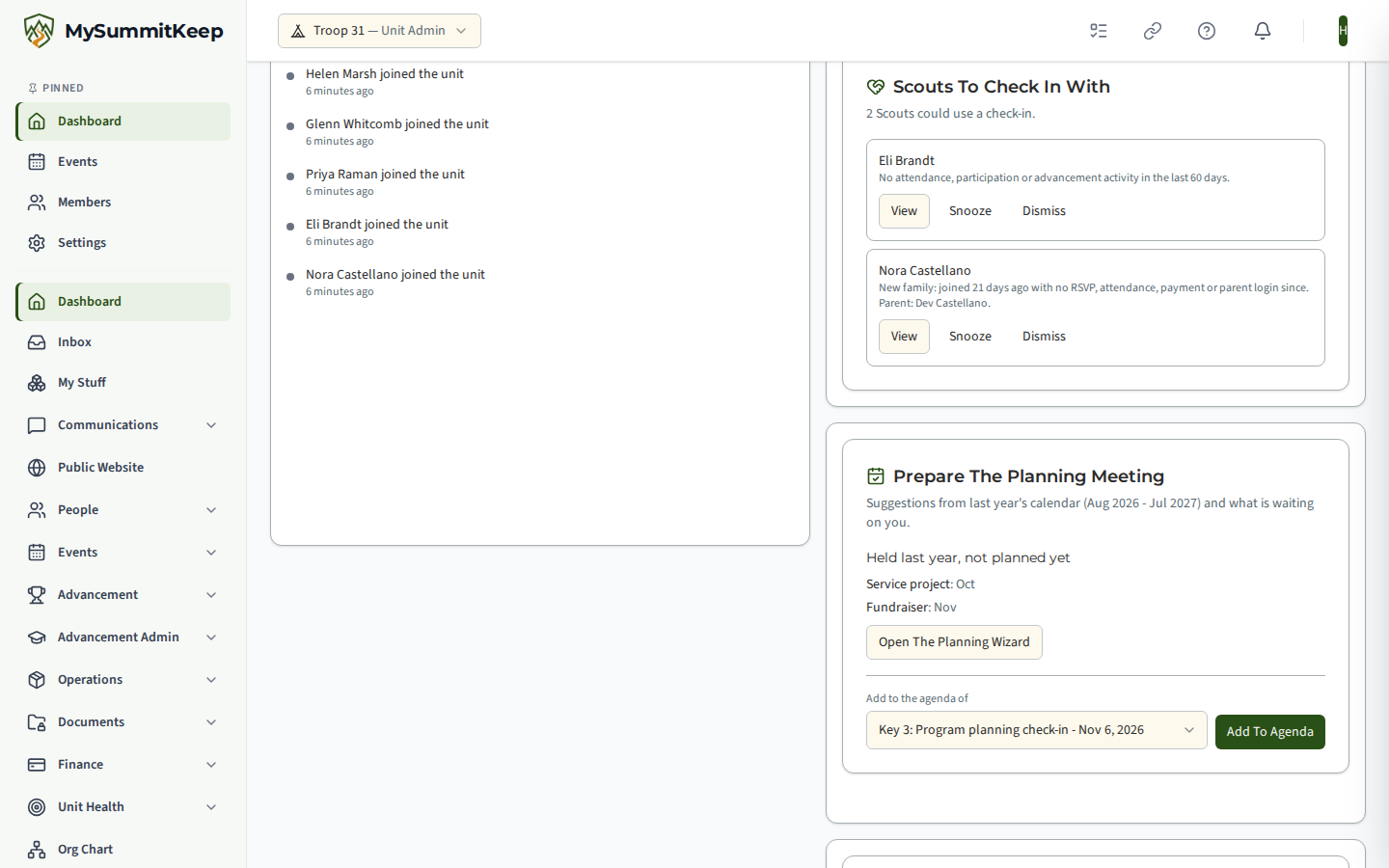
Scouts To Check In With
Section titled “Scouts To Check In With”A row appears when:
- No activity in 60 days. A current Scout who joined more than 60 days ago and has not attended or taken part in an event, and has not completed a requirement, merit badge requirement or advancement item, in the last 60 days. A future RSVP does not count as activity. Adults are never listed.
- Unengaged new family. A Scout who joined within the last 90 days and, since joining, has no RSVP, attendance, payment, or parent login. If no parent is linked yet, the row says so rather than being dropped. The row shows names only; use the Scout’s page for contact details. Scouts added by a roster import or bulk add (six or more Scouts added on the same day), and Scouts who already had a record in MySummitKeep more than a week before they joined (for example a transfer or a returning Scout), are not treated as new families.
- Registration lapsed. A Scout whose newest BSA registration expired within the last year and has not been renewed.
- Dues unpaid. Dues requested at least 30 days ago and not yet paid (shown to people who can manage finances).
Prepare The Planning Meeting
Section titled “Prepare The Planning Meeting”- Gaps in the calendar. Event types (campouts, service projects, fundraisers and so on) that you held in a given month of the previous program year (August to July) and have nothing planned for the same month this year. Regular meetings are not counted. Draft events count as planned; cancelled events do not.
- Advancement waiting for approval. The same count as your Action Center. For people who are allowed to approve, the card names up to five Scouts with how many items each has waiting; the full count is always shown, and Open The Approval Queue lists everyone.
- Open The Planning Wizard takes you to the Annual Planning Wizard, which shows the same gaps (see below).
- Add To Agenda. Pick an upcoming Leadership Council or Key 3 meeting under “Add to the agenda of” (Key 3 meetings are labelled “Key 3:”) and add one agenda line titled “Planning suggestions” with the gaps and the count. It names no Scout. You need rights to edit that council’s agenda. The line is added once per meeting; adding it again says the suggestions are already on that agenda. You can edit or remove the line like any other agenda item. If there is no upcoming council meeting, the card says so and links to Schedule one.
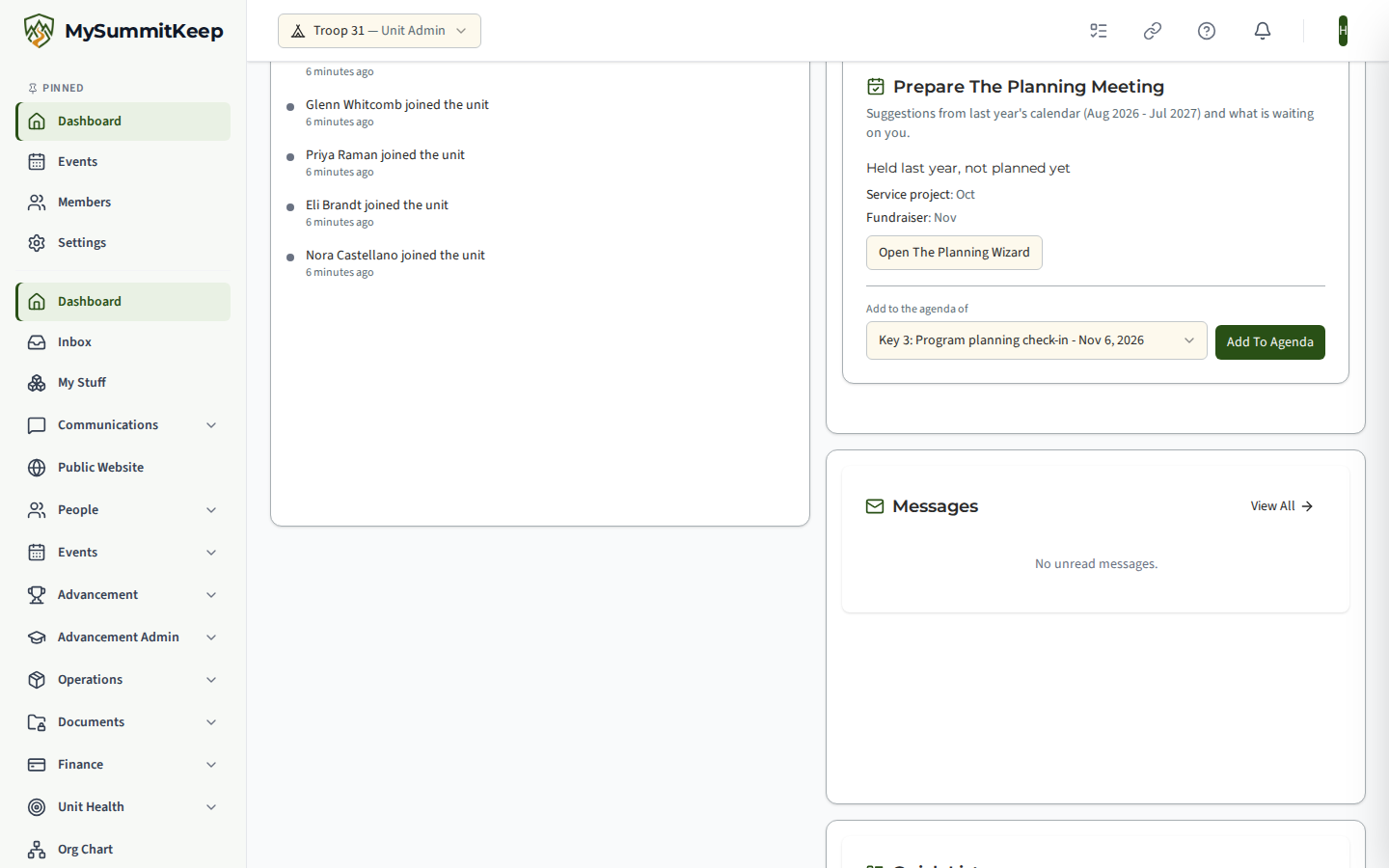
The Annual Planning Wizard also shows the same gaps in a “Suggested from last year” panel on its first step, for leaders on Summit and Peak. Turn On Matching Options switches the matching wizard options on: campouts become quarterly if camping was off, and service projects and fundraisers are included. It only ever switches options on and never changes a choice you already made; you can change any of them on the later steps.
Leadership Succession
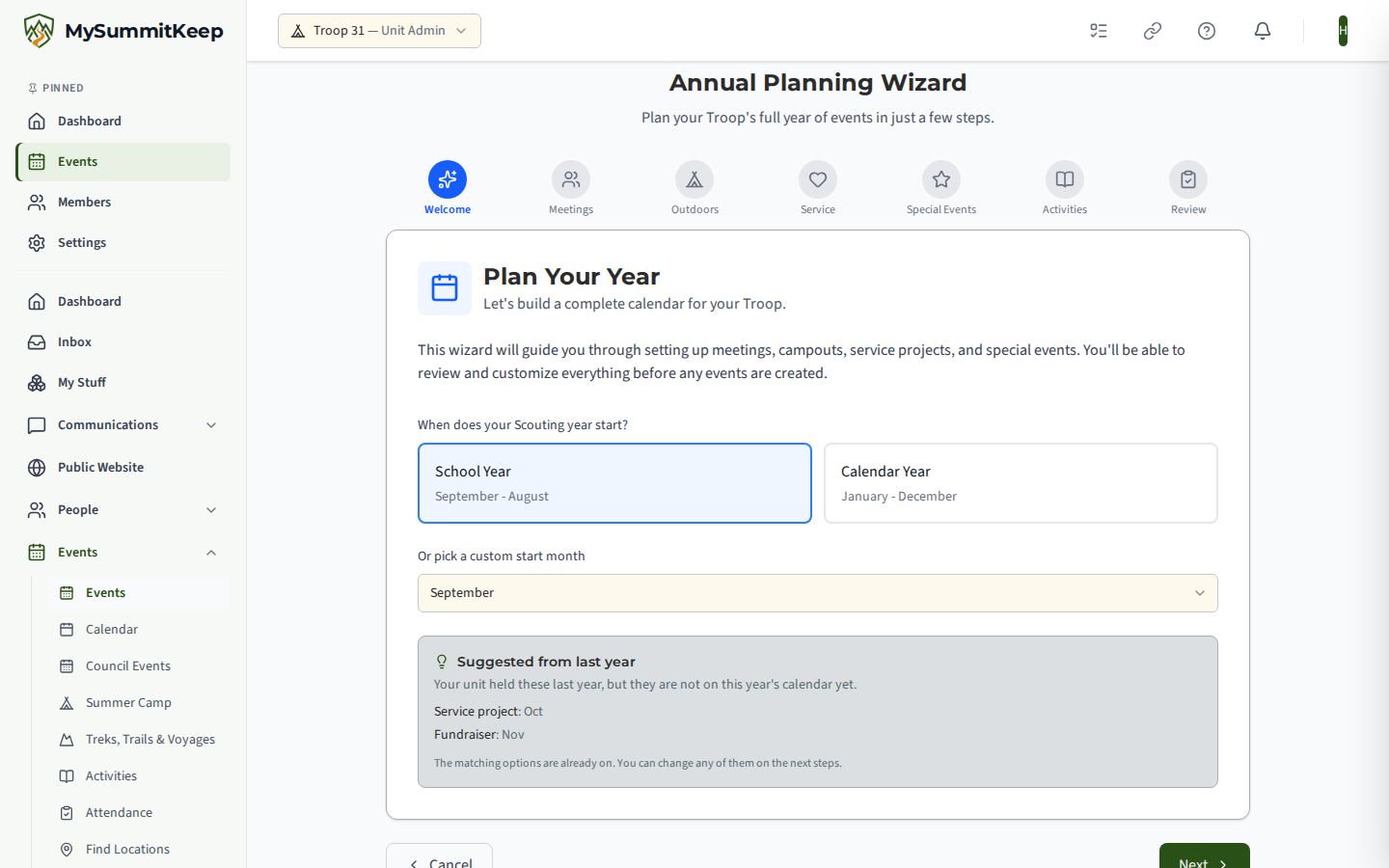
Section titled “Leadership Succession”An adult who has held the same unit position for 3 years or more with no trained assistant (for example a Scoutmaster with no Assistant Scoutmaster, or one whose assistants have not finished the required training). The row states the position, how long, and why. Tenure comes from the position start date on record; for adults brought in by an import this can be the date they joined the unit, so each row shows “since” so you can judge it. Den-level positions are not evaluated because an assistant belongs to a single den.
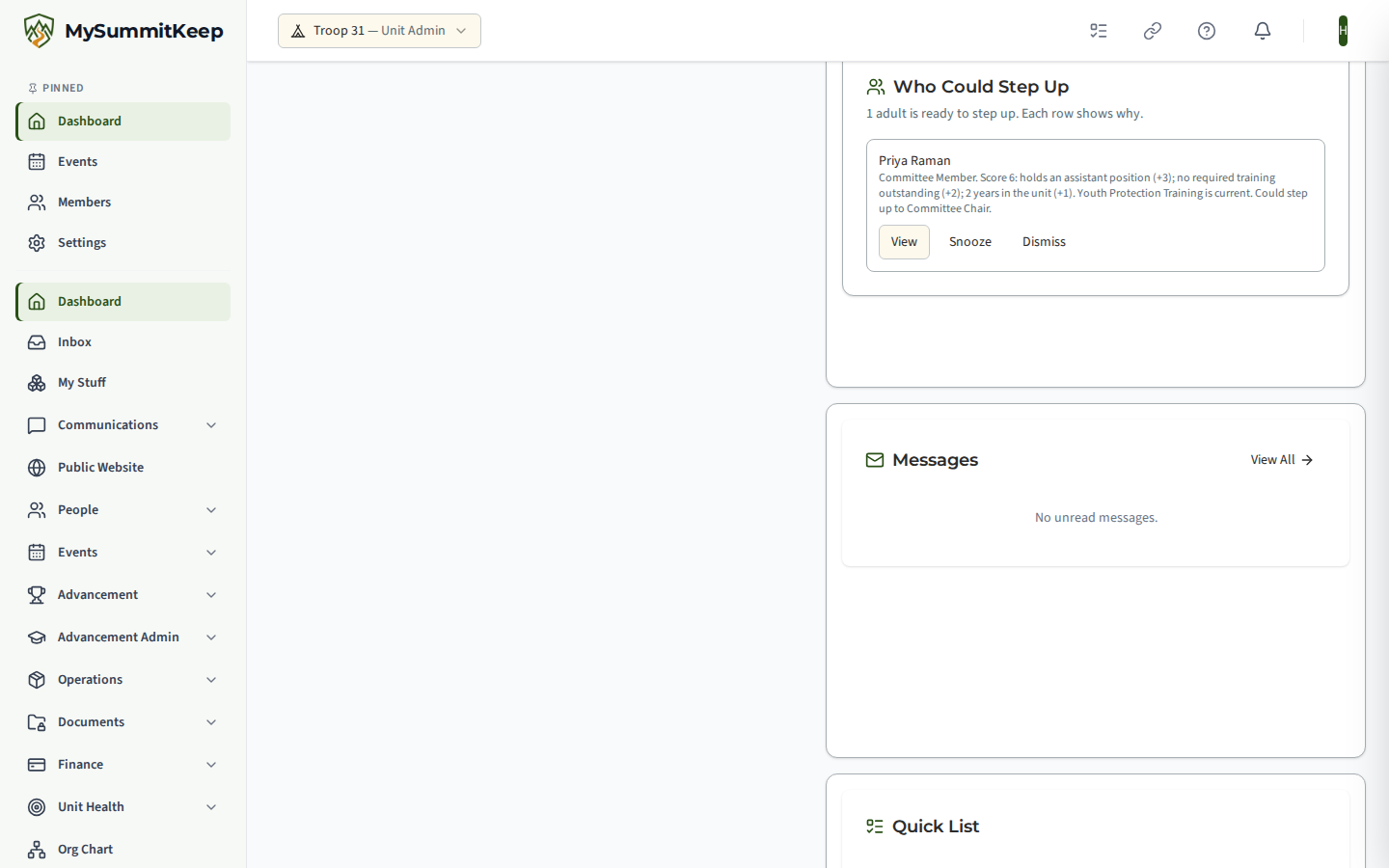
Who Could Step Up
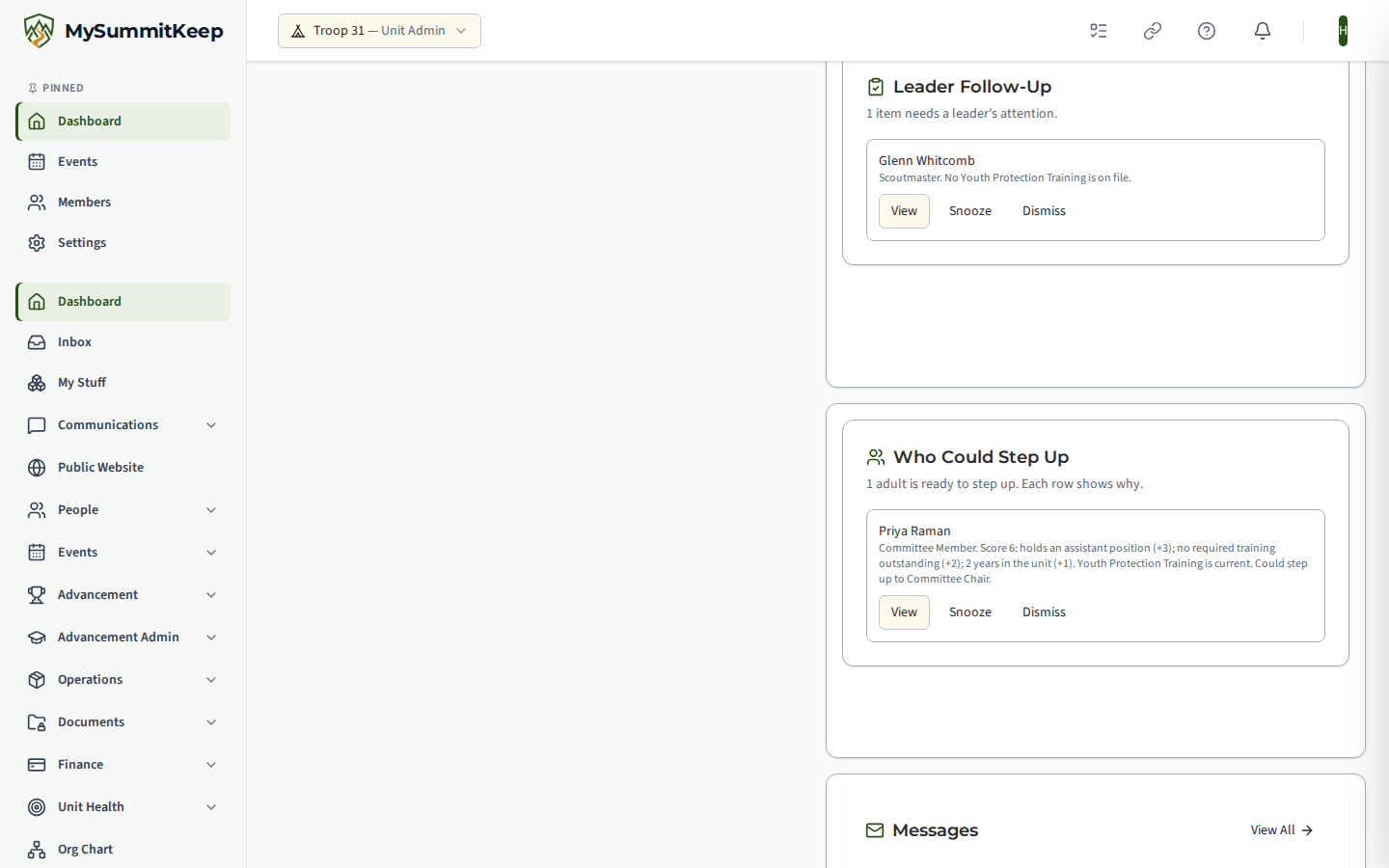
Section titled “Who Could Step Up”A short ranked list of up to ten adults who hold a position today and are not already in a top seat. To appear, the adult must have current Youth Protection Training and no lapsed registration. Points are added for being an assistant (3), having no required training outstanding (2), event involvement over the last 12 months (up to 2) and years in the unit (up to 2); a row needs at least 4. Each row spells out its score and every input, so you can see exactly why someone is listed. It is a conversation starter, not a verdict.
Leader Follow-Up
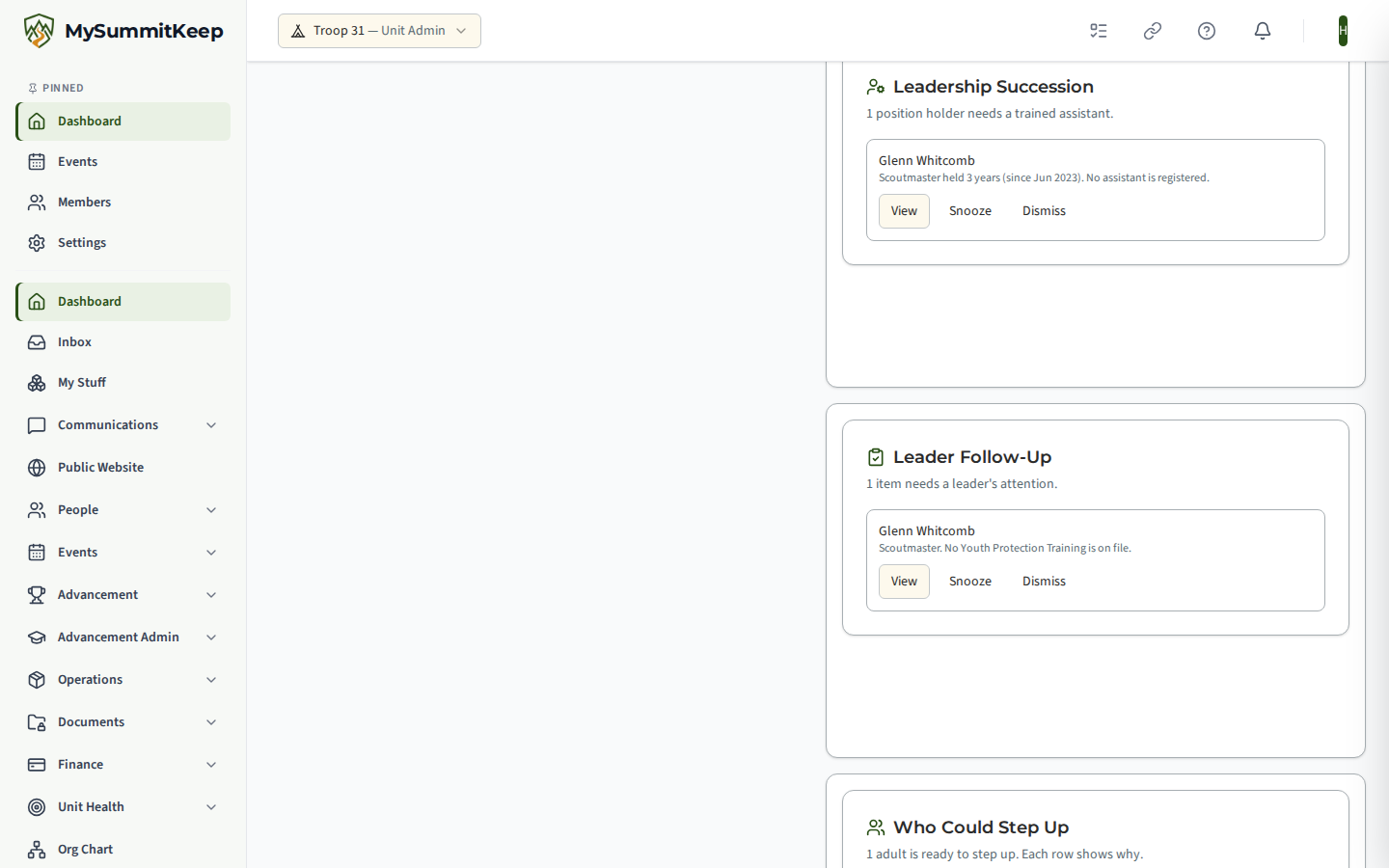
Section titled “Leader Follow-Up”- Youth Protection Training that is missing, expired or expires within 30 days, for adults holding a position.
- Required position training that is still outstanding.
- Join requests waiting 3 days or more (one summary row, no applicant details).
Dismiss, snooze and undo
Section titled “Dismiss, snooze and undo”Every row on the Scouts To Check In With, Leadership Succession, Leader Follow-Up and Who Could Step Up cards has Dismiss and Snooze (30 days). Prepare The Planning Meeting has neither; it changes as the calendar and the Approval Queue change. Both apply only to you; another leader still sees the row. A snoozed row returns by itself. Undo appears right after you hide a row. Hiding is per person: dismissing one Scout’s row does not hide a row about a different Scout. The one exception is the join-requests summary row in Leader Follow-Up, which names no one: dismissing it hides it for good, even when new requests arrive. Use Snooze if you only want a break from it.
Privacy
Section titled “Privacy”The cards read data your unit already holds and show it only to people who could already see it. No youth contact details appear on any card, and no one is messaged. Rules, thresholds and the data each rule reads are listed in the platform’s Record of Processing Activities under “leader dashboard”.
MySummitKeep is an independent product and is not affiliated with, endorsed by, or sponsored by Scouting America (formerly the Boy Scouts of America). Scouting America, Scouts BSA, Cub Scouts, Venturing, Sea Scouts, and the Order of the Arrow are trademarks of Scouting America. Official program content shown in screenshots and examples is © Scouting America; always confirm current requirements atscouting.org. SeeTerms § 7.3.